Welcome to Smart Control’s documentation!
Contents:
Quick launch
First add to your project folder the file Smart_Control.NET_wrapper.dll.
Here is some quickstart functions to begin with:
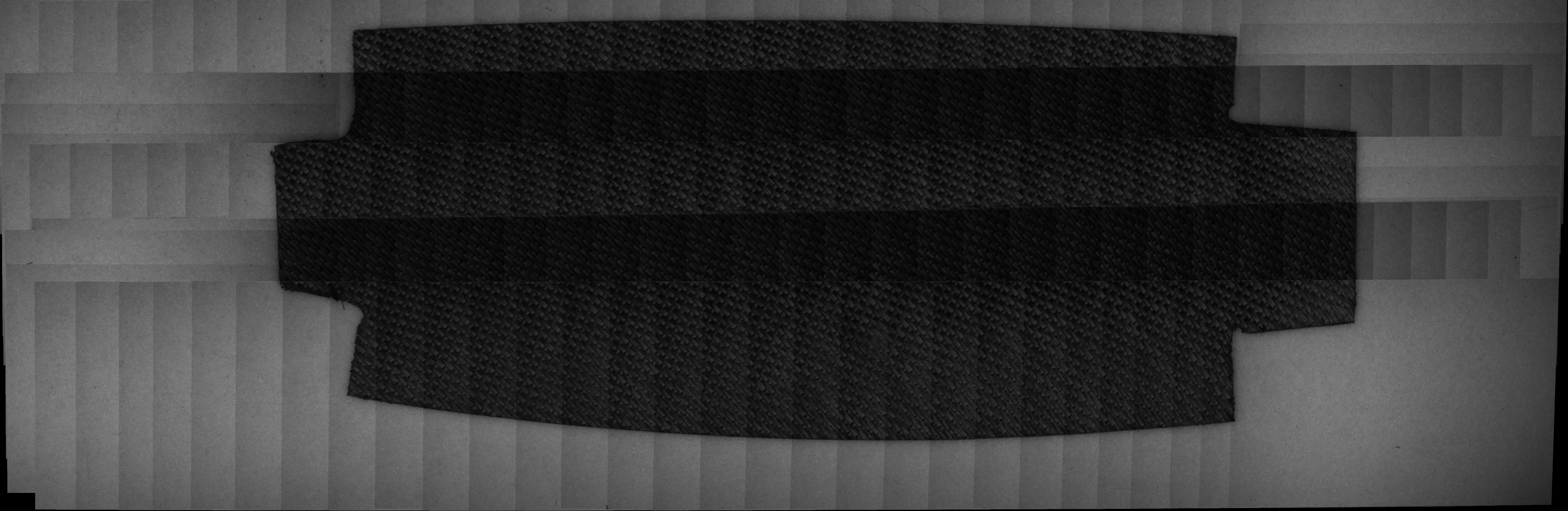
Stitching
To use the stitching function on a given folder, call (here for C#):
Smart_Control.NET_wrapper.system.Network.stitch_folder(String path)
It will return a Bitmap image of all the images stitched together.
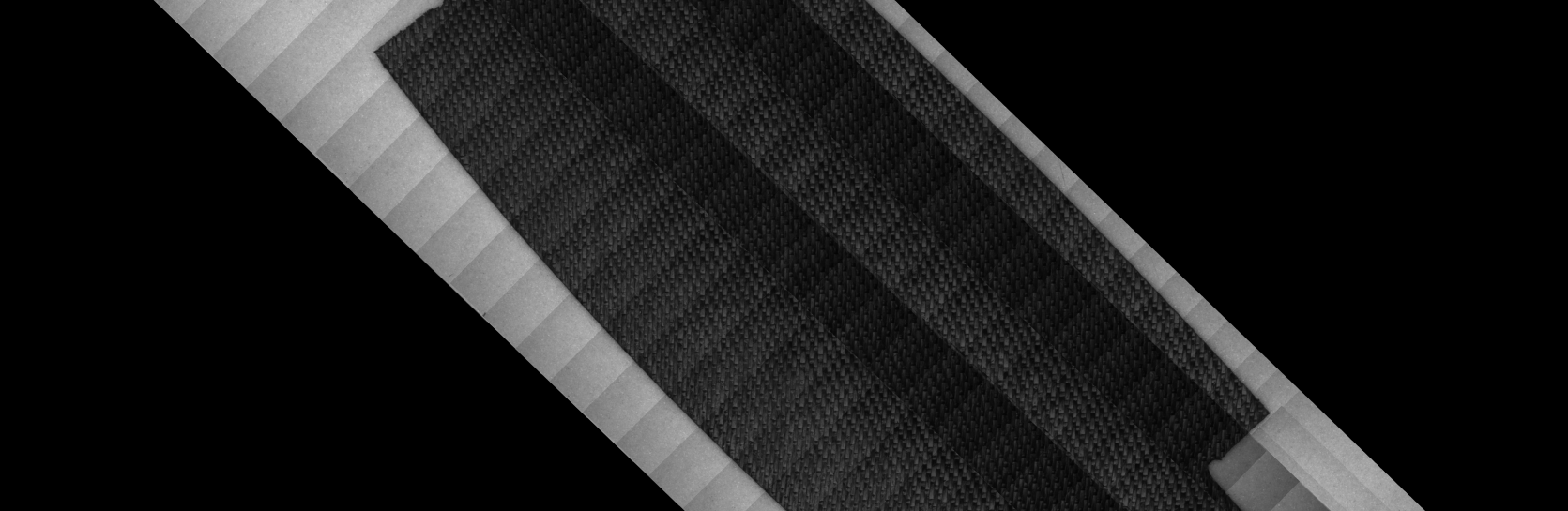
Fiber orientation
To use the fiber orientation function on a given image, call (here for C#):
Smart_Control.NET_wrapper.system.Network.FiberOrientation(Bitmap image)
It will return the angle and the rotated Bitmap image.
Plies detection
To use the plies detection function on a given image, call (here for C#):
Smart_Control.NET_wrapper.system.Network.OneShotDetectionPly(Bitmap image)
It will return a list of the detected plies and an image with detected plies drawn.
FOD detection
To use the FOD detection function on a given image, call (here for C#):
Smart_Control.NET_wrapper.system.Network.detectFOD(Bitmap image)
It will return a boolean set to true if a FOD has been detected and an image with a drawn square on detected FOD.